tvOS Support
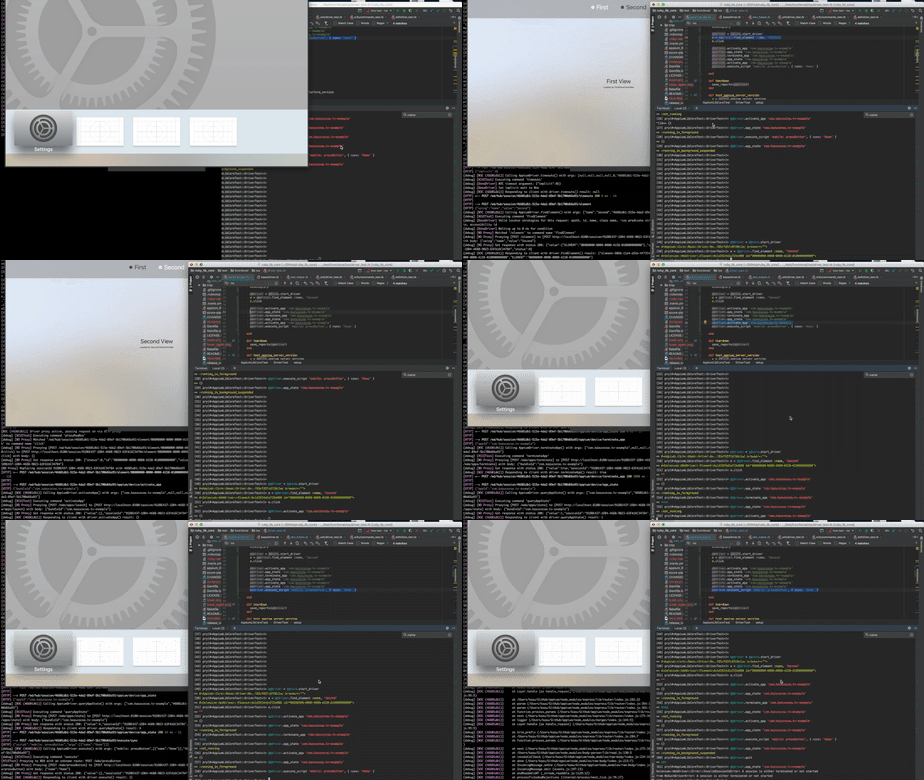
The XCUITest driver supports automation of the tvOS platform.
Warning
Support for network-only Apple TV devices is limited.
This is because appium-ios-device,
which handles low-level communication with devices, only supports USB-connected devices.
Setup
You can run tests for tvOS by setting the platformName capability to tvOS:
{
    "platformName": "tvOS", // here
    "appium:automationName": "XCUITest",
    "appium:platformVersion": "12.2",
    "appium:deviceName": "Apple TV",
    ...
}
Note
If using a simulator, make sure the tvOS simulator exists in your simulator list. You can run
xcrun simctl list | grep "com.apple.CoreSimulator.SimRuntime.tvOS" to verify this.
Network-Only Real Devices
To run tests on network-only Apple TV devices, you may need the following:
- Xcode 26.1 or later (to execute
xcodebuildagainst such network-only Apple TV devices) - Set the
APPIUM_XCUITEST_PREFER_DEVICECTLenvironment variable - Provide the
appium:wdaBaseUrlcapability; it must behttp://<the Apple TV's IP address>
Note
If you provide appium:webDriverAgentUrl to manage WebDriverAgent process by yourself,
only APPIUM_XCUITEST_PREFER_DEVICECTL might be sufficient.
If your environment exposes the usbmuxd interface to Appium via third-party tools,
APPIUM_XCUITEST_PREFER_DEVICECTL may not be needed.
This environment variable could cause conflicts in several behaviors.
Basic Actions
tvOS provides remote controller
based actions. The XCUITest driver implements these actions using the
mobile: pressButton extension, with the
following button values: menu, up/down/left/right, home, playpause and select.
All actions are performed on the focused element (which has the focus attribute set). The
focused element is automatically changed after using mobile: pressButton.
It is also possible to use the standard findElement and click methods. The XCUITest driver will
automatically calculate the necessary sequence of up/down/left/right and select button presses,
so you should not care about which keys should be pressed to reach an arbitrary element every time.
WebElement element = driver.findElementByAccessibilityId("element on the app");
element.getAttribute("focused"); // => 'true'
// Appium moves the focus to the element by pressing the corresponding keys and clicking the element
element.click();
driver.queryAppState("test.package.name"); // => :running_in_foreground
driver.executeScript("mobile: pressButton", ImmutableMap.of("name", "Home"));
driver.executeScript("mobile: pressButton", ImmutableMap.of("name", "Up"));
element = driver.switchTo().activeElement();
element.getAttribute("label");
element = driver.find_element_by_accessibility_id('element on the app')
element.get_attribute('focused')
element.click()
driver.query_app_state('test.package.name')
driver.execute_script('mobile: pressButton', { 'name': 'Home' })
driver.execute_script('mobile: pressButton', { 'name': 'Up' })
element = driver.switch_to.active_element
element.get_attribute('label')
element = @driver.find_element :accessibility_id, 'element on the app'
element.focused
element.click
@driver.app_state('test.package.name')
@driver.execute_script 'mobile: pressButton', { name: 'Home' }
@driver.execute_script 'mobile: pressButton', { name: 'Up' }
element = @driver.switch_to.active_element
element.label
More Actions
- Consider using
waitmethods, since tvOS also has animation - The
menubutton works as back for iOS context in tvOS
Known Limitations
- Gesture commands do not work for tvOS. Some commands such as pasteboard do not work as well.
Related Tickets
- https://github.com/appium/appium/pull/12401
- https://github.com/appium/appium-xcuitest-driver/pull/911
- https://github.com/appium/appium-xcuitest-driver/pull/931
- https://github.com/appium/appium-xcuitest-driver/pull/939
- https://github.com/appium/WebDriverAgent/pull/163
- https://github.com/appium/appium-xcuitest-driver/pull/2194